Ever since the Mesolithic age, people have been practising visual art: charcoal marks on cave walls, symbols carved into stone, hieroglyphics meant to be read at a glance rather than studied line by line, and, as time passed, oil paintings on canvas and then digital art.
Graphic design actually came into practice around 1440, which made repeatable visual communication possible and launched the entire history of typography and layout. Furthermore, after the Press revolution, it was limited to books, newspapers, magazines, etc. But later, it transitioned from forming unique, handmade objects to producing reproducible, designed ones. In the 21st century, graphic design experienced a boom as an actual profession.
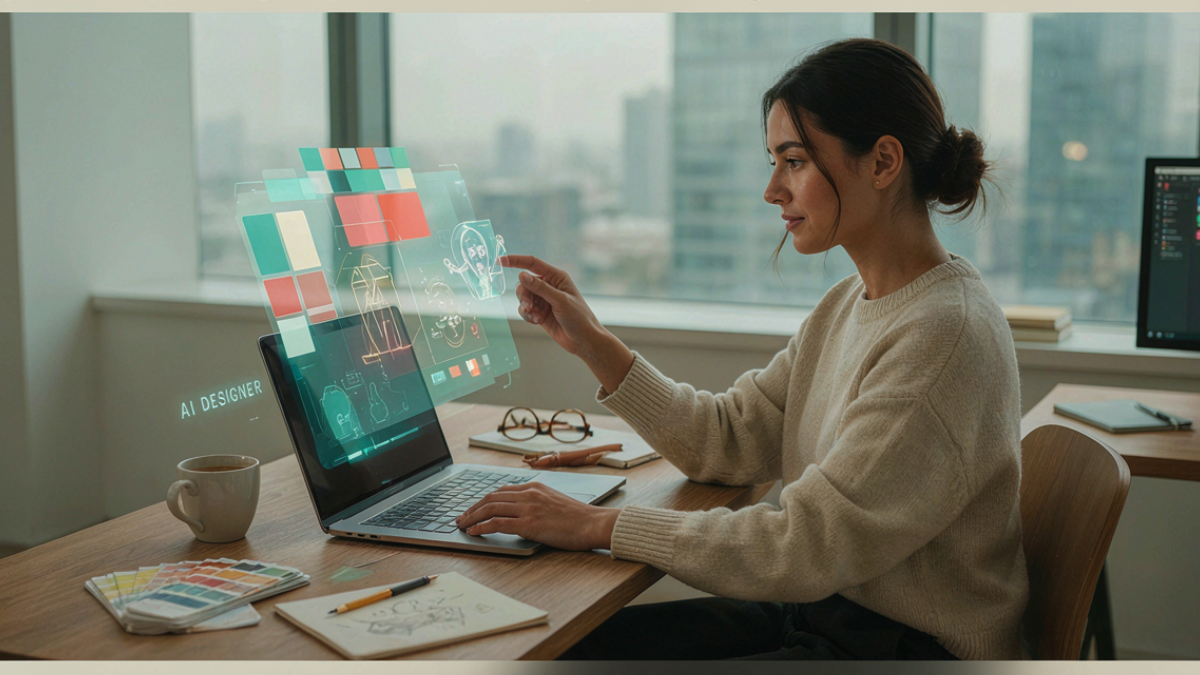
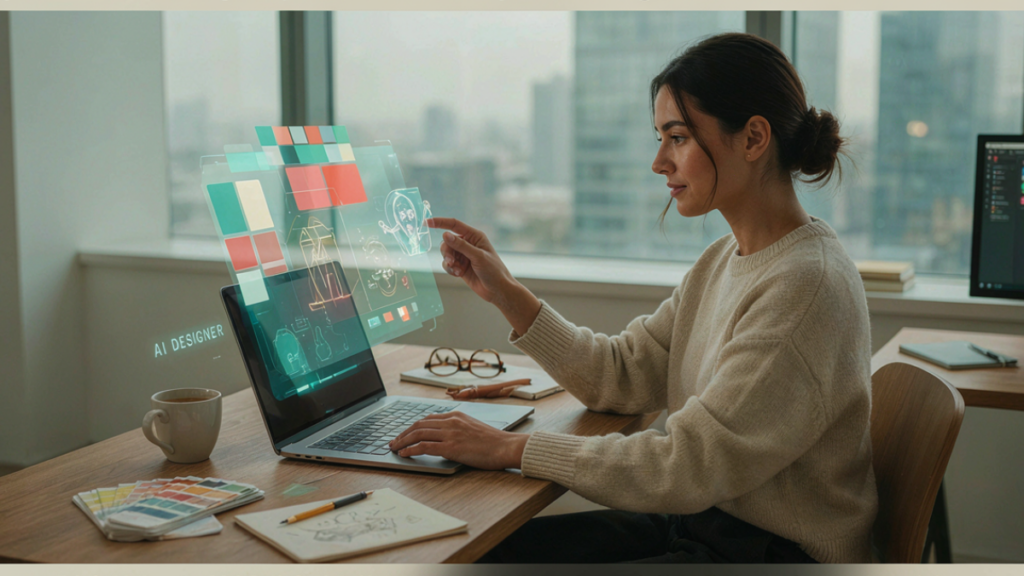
Nowadays, we often hear that AI is going to replace many tech-related jobs, and graphic design is one of them. But if we really dive deeper into the field, it can be easily gauged that replacement isn’t possible; rather, AI will supplement Graphic design Workflow and make their work easier by extending a helping hand, possibly increasing the efficiency of Designers.
AI Tools That Actually Hit And Don’t Just Hype
Somewhere right now, a designer is spending three hours manually removing backgrounds, resizing the same graphic for eight different platforms, and generating “just one more” mockup for client approval. Somewhere else, a designer with the same skill level just did all of that in 25 minutes because they know exactly which AI tool to reach for and when. That gap isn’t talent. It’s workflow. And in 2026, it’s the single biggest thing separating designers who feel constantly behind from designers who feel like they’ve got room to actually create.
Over time, multiple AI tools have come up; they are still coming almost every minute, but honestly, not every AI tool is useful; some are just built on hype and not based on actual productive work. It’s the handful of tools that working designers are actually reaching for in real client work right now that earn their place, and just as importantly, where each one’s limits are, so you’re not caught off guard when a tool can’t do what a thumbnail demo promised. Here’s what actually does the job, and where each one fits into a real workflow.
Adobe Firefly: The One Built Into Tools You Already Use
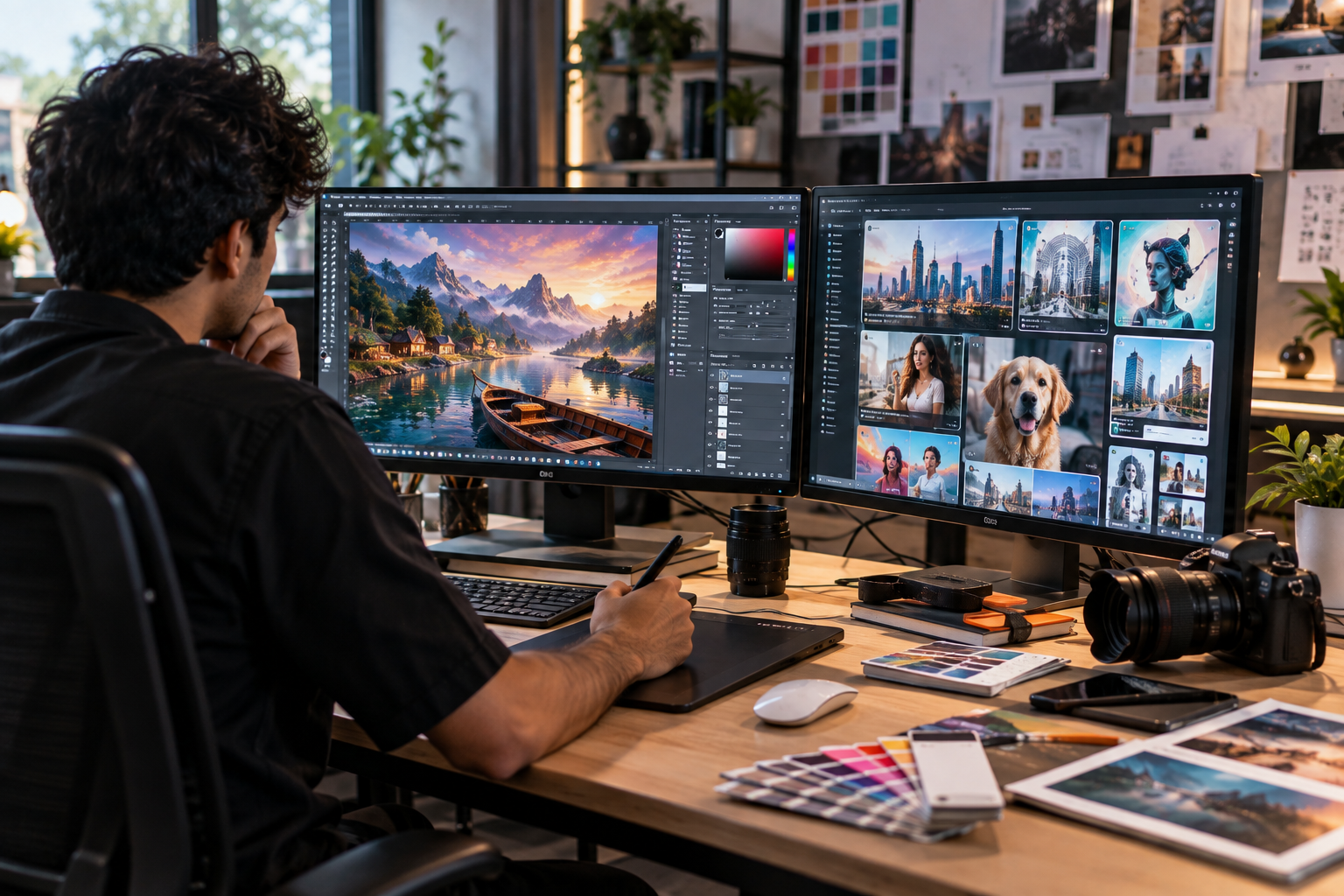
If you’re already working in Photoshop or Illustrator, Firefly comes in handy as it’s already sitting inside your existing software.
- Trained on licensed Adobe Stock content, which means genuinely commercially safe output for client work
- Handles generative content, object removal, and background extension directly inside Photoshop
- No substitute workflow to build, no new software to install
For anyone doing client-facing, commercial work, Firefly is the tool with the least legal risk attached a detail freelancers especially can’t afford to ignore.
Midjourney for Designers: Still the Benchmark for Visual Quality
Ask any working designer which AI tool produces the most prominently striking imagery, and Midjourney still owns this part in 2026. Nothing else significantly matches it for richness, mood, and aesthetic intelligence.
Midjourney for designers specifically means using it the right way, not as a finished-product generator, but as an ideation engine:
- Generate 5–10 visual directions in minutes before committing to one
- Build mood boards and pitch concepts that land with clients
- Use it for concept art, editorial illustration, and pitch decks where visual appeal matters most.
The catch here is that Midjourney runs through a Discord-based interface, and outputs typically need refinement in Photoshop before they’re client-delivery ready. It’s a starting point, not a finish line and understanding that distinction is exactly what separates a designer who uses AI well from one who just posts raw AI output and calls it done.
Canva Magic Studio: Speed over Depth.
Not every project needs high-concept visual development. Sometimes you just need a clean, on-brand social post out the door in ten minutes; that’s exactly where Canva’s Magic Studio earns its place.
- Magic Design and Magic Layers give a pace to templated social and marketing content.
- The learning curve is less for non-designers and designers alike
- More than pure generation, it works on already built designs or gives very basic designs.
Recraft: For When You Need Actual Vectors, Not Just Pretty Pixels
This one gets skipped constantly, and it shouldn’t. Most AI image generators hand you a raster image with a basic layout that then needs to be manually traced into a usable vector, which is a rather tedious, time-consuming step for logo and icon work. Recraft skips that entirely, generating native SVG files straight out of the tool. For anyone doing brand identity or icon systems, that alone makes it worth learning.
What Separates a Tool User From a Tool Strategist
A tool user will simply try to chat with the AI tool and try to command it in a simple way, but that isn’t something that is supposed to give you the desired results. What actually changes your AI in a graphic design workflow is knowing the order to use them in:
- Ideation: Start with Midjourney or ChatGPT to generate multiple visual directions fast, before any real production work begins.
- Production: Move into Adobe Firefly for photo editing and compositing, or Canva for templated social assets, refining the AI-generated concept into something client-ready.
- Vector/finishing work: Bring in Recraft for anything needing clean, scalable vector output, for instance logos, icons, brand assets.
- Presentation: None of this matters if it never leaves your laptop. Your portfolio is still where all of this work actually earns you clients or a job.
Designers who stack tools like this rather than randomly bouncing between whichever app is trending that week are the ones actually cutting hours off their production time, not just adding another subscription to their monthly bill and properly utilising AI in Graphic Design Workflow.
The Sky’s Still Yours, AI Just Holds the Controls You Give It.
It’s a pure myth that AI can completely replace designers, and that Designers will disappear; the very fact that AI was made by humans is more than enough to tell us that AI will just complement or rather act as an auxiliary to, significantly experienced designers. AI can’t carry a brand’s strategy consistently across ten different formats, because that takes understanding why a brand looks and feels the way it does, not just what it looks like in one reference image. They can’t brief themselves; someone still has to sit across from a client, listen to a vague, half-formed request, and figure out what’s actually being asked for underneath it.
Why This Is Exactly What You Should Be Learning Right Now
A designer who only knows Photoshop in 2026 is competing at a real disadvantage against one who knows Photoshop and how to fold AI into their production pipeline without sacrificing quality or originality. This isn’t optional skill-building anymore; it’s the baseline. This is exactly why practical, current training matters more than ever. A graphic design course in Thane that’s still teaching 2020-era workflows is setting students up to be behind before they even graduate.
At e-Drishyam, students training in graphic design work directly with Adobe Firefly, Midjourney, and Canva’s AI suite as part of their actual production of AI in Graphic Design Workflow. A graphic design course in Thane with placement should be preparing you for the job market that actually exists right now, not the one that existed five years ago. AI tools aren’t replacing designers. They’re replacing designers who refuse to learn how to use them.