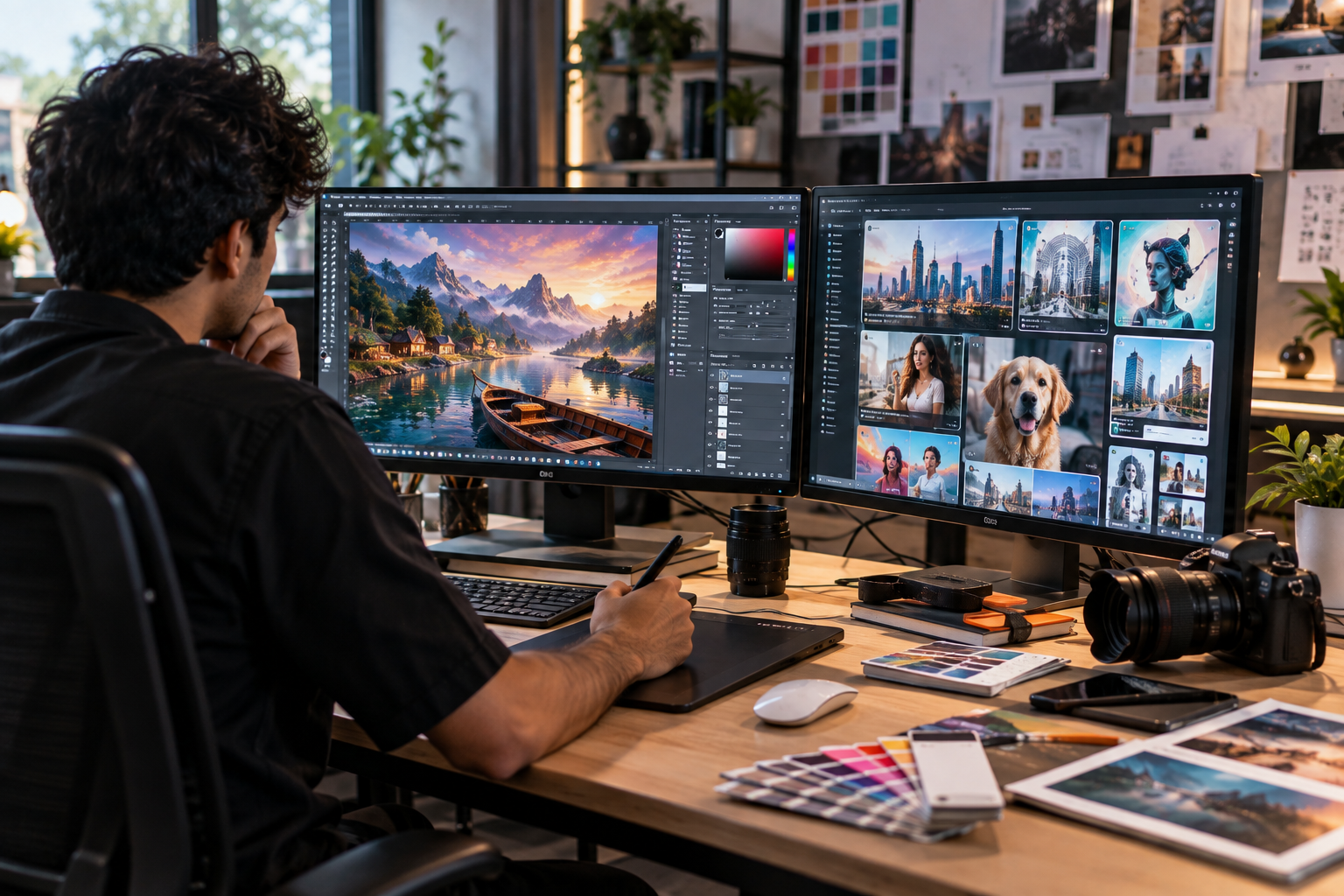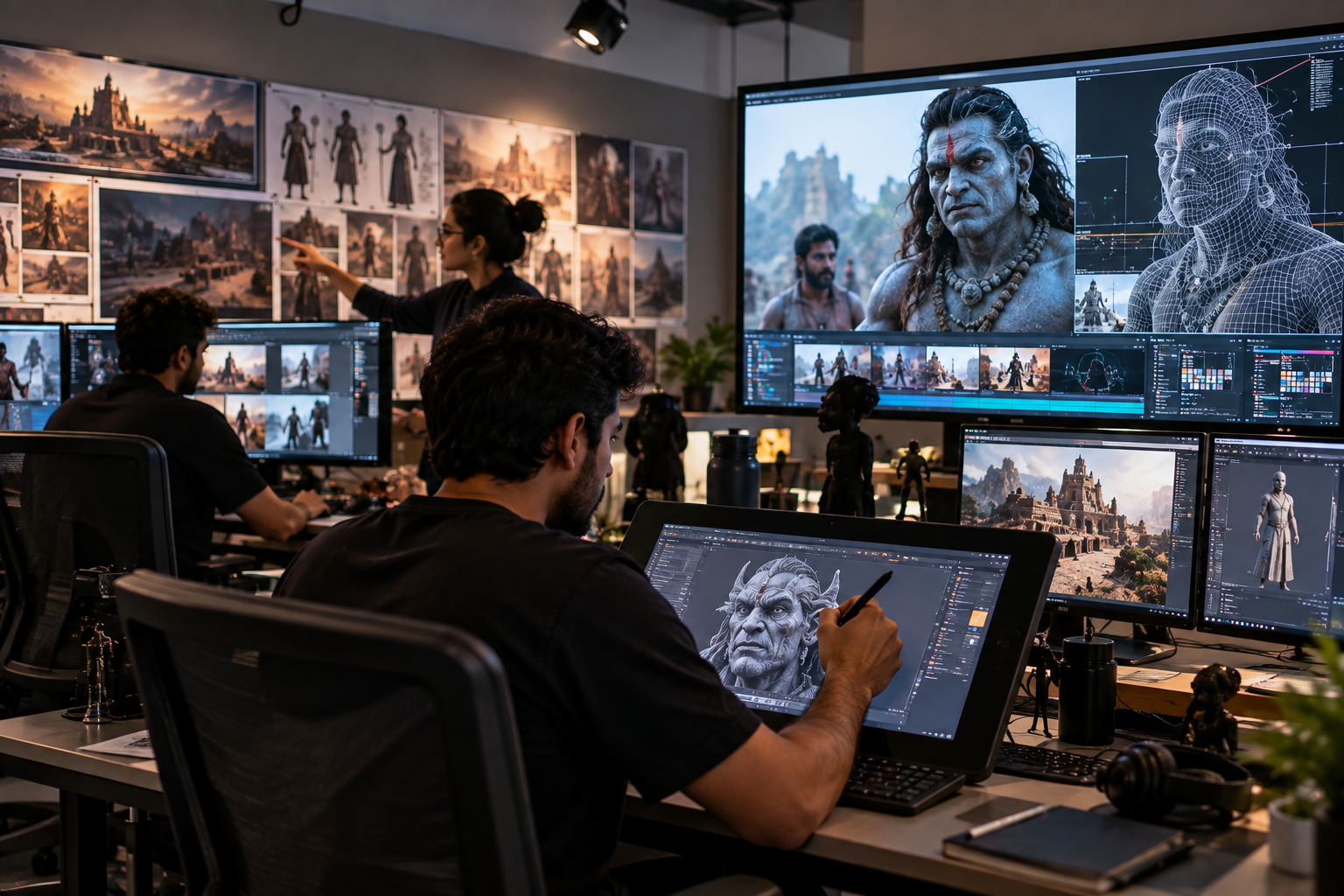
Someone in every batch asks the same question in week two: “Why am I learning Photoshop shortcuts when I can just type a prompt?” Fair question. Google’s Nano Banana Pro can now generate a fairly polished poster from a sentence. So can several other tools. The Nano Banana Pro vs Photoshop debate isn’t really about which one wins. It’s about which one does what, and a design student who only picks one is going to hit a wall fairly soon.
What Nano Banana Pro Actually Is
Nano Banana Pro is the public nickname for Gemini 3 Pro Image, Google’s current flagship image model. It builds images from a written prompt and edits existing ones when you describe the change in plain language. What sets it apart from earlier AI image generators is that it reasons about a scene before rendering it, so instructions with several conditions a headline in Marathi, a product on the left, warm evening light tend to hold together instead of falling apart.
A few specifics worth knowing if you are comparing tools:
- It renders long passages of legible text inside an image, in more than one script, which used to be the weak point of every AI image generator for designers.
- It can blend up to 14 reference images into one composition, which helps keep a product, a model, and a background consistent across several assets.
- Output goes up to 4K, with camera, lighting and colour grading controls you can apply without regenerating the whole image.
- It can pull in real-world information through Search grounding, so a weather map or a festival date can be reasonably accurate rather than invented.
That is a serious jump from the first wave of AI tools, and it’s why Nano Banana Pro for graphic designers is being taken far more seriously than the meme-generator tools of a couple of years ago. It’s also free to try inside the Gemini app, with a daily limit, which is part of why students are experimenting with it before they’ve even opened a design brief.
What Photoshop Still Does That No Prompt Can
Type “add a subtle shadow under the left edge, 3 pixels, 40% opacity” into an AI tool and you will usually get an approximation. Type it into Photoshop, and you get exactly that, every time, on a layer you can revisit next week.
That’s the real difference between Photoshop Vs Tools in 2026. Photoshop is precise and repeatable. Every adjustment sits in its own layer or mask, so a client’s third round of feedback, “make the logo 10% bigger, move it two inches right”, is a two-minute fix, not a fresh generation that might reshuffle everything else in the frame. Colour separations for print, exact pixel dimensions for a packaging die-line, CMYK conversion- none of that lives inside an AI model yet. Retouching a client’s product photo pixel by pixel, matching skin tones across a shoot, or cleaning up a scanned logo so it prints sharp at billboard size are still jobs for someone who actually understands the software, not a prompt.
Photoshop also doesn’t guess. If you need a specific brand red, a font at a specific point size, or a logo positioned to a millimetre against a print template, you’re not asking an AI model to interpret your intent. You’re setting the value yourself.
Where the Two Actually Meet
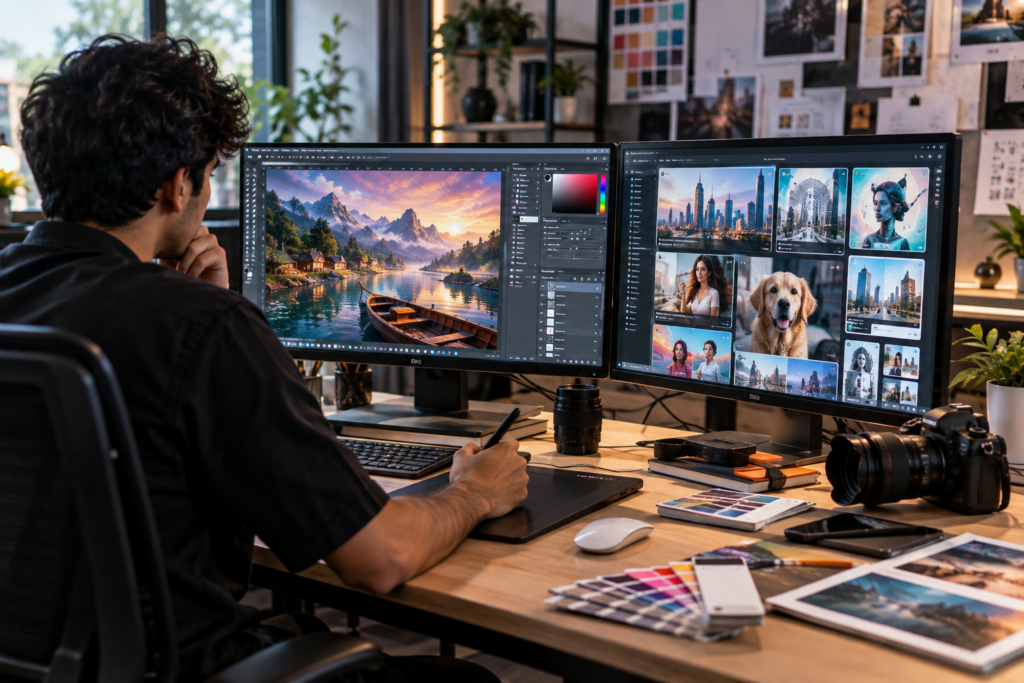
In practice, most working designers aren’t choosing one over the other. They’re using Best AI image generator for designers 2026 as the first pass and Photoshop as the finishing tool.
A common workflow now looks like this: develop three or four concept directions in Nano Banana Pro for Graphic Designers or a similar model to see how a mood or composition might work, pick the strongest one, then bring it into Photoshop for the part that actually needs control. Type is reset in the brand font. Colours are fixed to the client’s exact palette. Layers get separated for print. The AI output becomes raw material, not a finished deliverable.
This mirrors something we have noted before about Adobe’s own direction: Adobe Firefly is now built directly into Photoshop and Illustrator, generating fills and extending backgrounds without leaving the software. Google’s model works differently. It’s a separate generation engine you bring content in from, rather than a plugin sitting inside your canvas. Neither approach removes the other tool from the pipeline. Different studios use different pairings depending on what a project actually needs.
What This Means If You’re Choosing What to Learn
A student who understands only an efficient way to give a proper prompt can produce something that looks finished in five minutes and then has no way to fix a single detail a client flags. A student who learns only Photoshop, without touching any AI tool, will be slower at the early, exploratory part of a brief where five directions need to exist quickly.
Employers aren’t asking which side you picked. Job postings for junior designers increasingly list “comfortable with AI-assisted workflows” next to “strong Photoshop fundamentals,” on the same line. That’s the actual 2026 skill set, not a competition between the two. A portfolio that shows both, a raw AI concept next to the polished, print-ready version you built from it, tells a hiring manager more about your judgement than either piece alone.
A Practical Way to Compare Them
| Nano Banana Pro | Photoshop | |
| Best for | Fast concept exploration, mockups, multi-image composites | Precise edits, brand-accurate colour, print-ready files |
| Text in image | Strong, multilingual | Manual, but exact |
| Editing control | Prompt-based, approximate | Layer-based, pixel-exact |
| Output for print | Not built for it | Built for it |
| Learning curve | Low to start | Steeper, more rewarding long-term |
Neither column beats the other. They answer different questions in the same brief.
How We Approach This at e-Drishyam
Our Graphic Designing course still teaches Photoshop fundamentals first, because a designer who understands layers, masking and colour theory can direct an AI tool with far more precision than one who’s only ever typed prompts. Once those fundamentals are solid, students bring current AI tools like Nano Banana Pro into the same projects, the way a working studio actually operates.
If you are trying to decide what’s worth your time before enrolling anywhere, the honest answer is both. Learn Photoshop until layers stop feeling foreign, and keep an eye on wherever the best AI image generator for designers in 2026 happens to be that year, because that list will keep changing. The tool names will shift. The skill of knowing exactly what a design needs won’t.