Open any film school WhatsApp group or YouTube comments section, and you’ll find the same debate looping endlessly: Premiere Pro or Final Cut Pro? DaVinci Resolve or After Effects? CapCut or “real” software? Newcomers treat this like a make-or-break decision. Working editors barely give it a second thought.
That gap tells you something important. The software you pick matters far less than how well you understand what you’re doing with it.
In our experience training students at e-Drishyam, the ones who struggle aren’t the ones using the “wrong” tool; they’re the ones who never learned the principles underneath the tool. So before we get into the software list, let’s reframe the question properly: not “what’s the best software,” but “what software actually supports the way professionals work, and how do you get good enough to use it well?”
Why the Software Question Trips People Up
Every editing tool, free or paid, beginner or professional, runs on the same core ideas: timeline management, cuts, transitions, audio sync, colour, and export settings. What changes between software is the interface, the speed, and how deep the toolkit goes for advanced work like compositing or colour grading.
Here’s where things get interesting: most beginners who switch software every few months aren’t doing it because one tool is better. They’re doing it because they haven’t built real editing instincts yet, so every new interface feels like a fresh start. The software isn’t the bottleneck. The fundamentals are.
That’s exactly the gap a structured video editing course in Thane is designed to close: not just teaching you buttons, but training your eye and workflow so any software feels intuitive.
Best Video Editing Software for Beginners
If you’re just starting out, you want software that’s forgiving, easy to learn, and respected enough that the habits you build will carry over later.
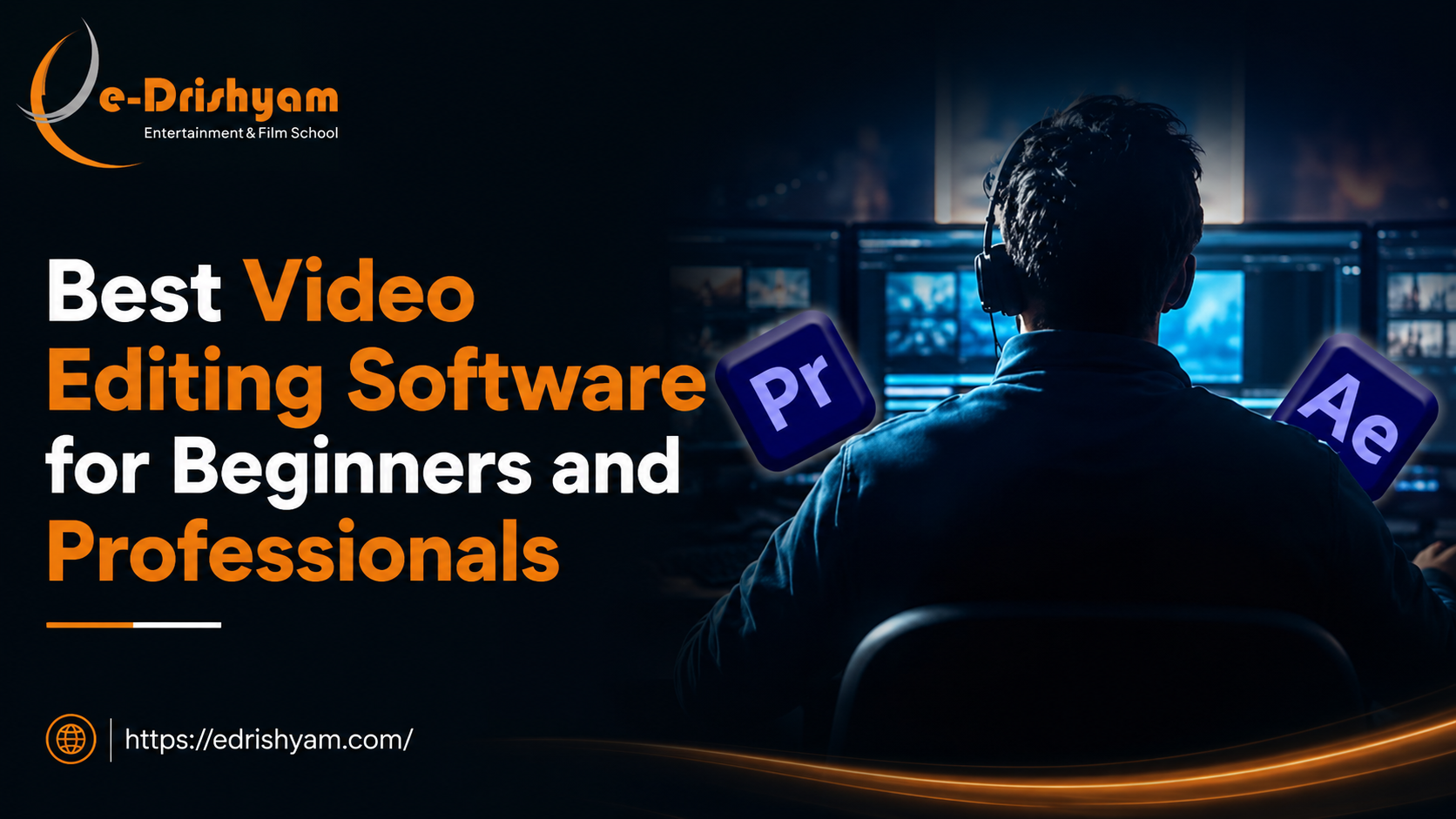
Adobe Premiere Pro
This is where most beginners should start, and for good reason. The interface mirrors how professional editors actually think, timeline-based, layered, with room to grow into colour grading and audio mixing as your skills develop. It’s also the software most Indian production houses, OTT platforms, and ad agencies run on, so what you learn here has direct market value.
DaVinci Resolve
Resolve has a free version that’s genuinely professional-grade, which makes it a brilliant low-cost entry point. It’s particularly strong for colour grading, a skill most beginners ignore for far too long, and one that quietly separates amateur footage from polished work.
CapCut and Mobile Editors
Useful for short-form content and building a feel for pacing, but treat these as a starting point, not a destination. They won’t prepare you for client work, broadcast deliverables, or studio pipelines.
Best Video Editing Software for Professionals
Once you move past the basics, the toolkit expands, not because beginner software is “bad,” but because professional work demands more layers of control.
Adobe Premiere Pro (Still the Industry Backbone)
Yes, it shows up twice on this list, and that’s deliberate. Premiere Pro scales from beginner to advanced without forcing you to relearn a new system, which is exactly why studios keep it as their default.
Adobe After Effects
What most people don’t realise is that editing and motion graphics are two different disciplines that professionals are expected to move between fluidly. After Effects handles compositing, VFX integration, and motion design in ways that pure editing software can’t.
Final Cut Pro
Favoured heavily in independent filmmaking and certain post-production houses for its speed on Mac-based pipelines. Worth knowing if you’re aiming at film or documentary work specifically.
DaVinci Resolve (Professional Colour Suite)
At the professional level, Resolve isn’t a beginner’s free tool anymore; it’s the industry standard for colour grading on major productions. Editors who can grade confidently are consistently more employable than those who can’t.
Software Won’t Get You Hired. Workflow Will.
Here’s an uncomfortable truth we share with every new batch: knowing which buttons to press in Premiere Pro doesn’t make you an editor. Studios don’t hire people who can operate software. They hire people who understand pacing, story structure, continuity, sound design, and how to take raw footage and shape it into something that actually communicates.
This is precisely why self-taught editors often plateau. YouTube tutorials teach you software mechanics in isolation. They rarely teach you why a cut works, how rhythm affects emotion, or how to troubleshoot a sequence that “feels off” without being able to explain why. That kind of instinct only comes from structured practice, feedback, and exposure to real production workflows, which is exactly what a video editing course in Thane is built around.
What a Structured Video Editing Course in Thane Actually Gives You
At e-Drishyam, students don’t just sit through software tutorials. A video editing course in Thane with placement support is structured around the full production pipeline, from understanding cinematography and editing theory to colour correction, sound, and final delivery.
Here’s what that looks like in practice:
- Multi-software fluency, training across Premiere Pro, After Effects, Final Cut Pro, and Photoshop, so you’re never limited to one studio’s preferred toolkit
- Editing theory, not just shortcuts, pacing, continuity, and rhythm, the things that actually separate good cuts from average ones
- Colour grading as a core skill, not an afterthought
- A real showreel by the end of the course, the single most important asset when you’re applying for editing roles
- Mock interviews and placement training, because knowing the software is only half the job; presenting your work professionally is the other half
This is the real value of choosing a video editing course in Thane with placement support over piecing things together from scattered tutorials: you’re not just learning software; you’re being prepared for the actual hiring process.
So, Which Software Should You Actually Learn?
If we had to give a straight answer: start with Premiere Pro for its industry relevance and ease of entry, layer in DaVinci Resolve for colour, and build toward After Effects once your editing fundamentals are solid. But don’t let the software debate distract you from the real goal: building an eye for storytelling that no single tool can teach on its own.
That’s the gap a good video editing course in Thane fills. Not just software training, but the structured, mentor-guided path from “knows how to use Premiere Pro” to “edits like a professional.”
If you’re serious about turning this into a career rather than a hobby, it’s worth exploring what a video editing course in Thane with placement looks like in practice, including the showreel you’ll walk away with and the studios that hire from it. e-Drishyam‘s free demo class is a low-pressure way to see if the fit is right before you commit.