

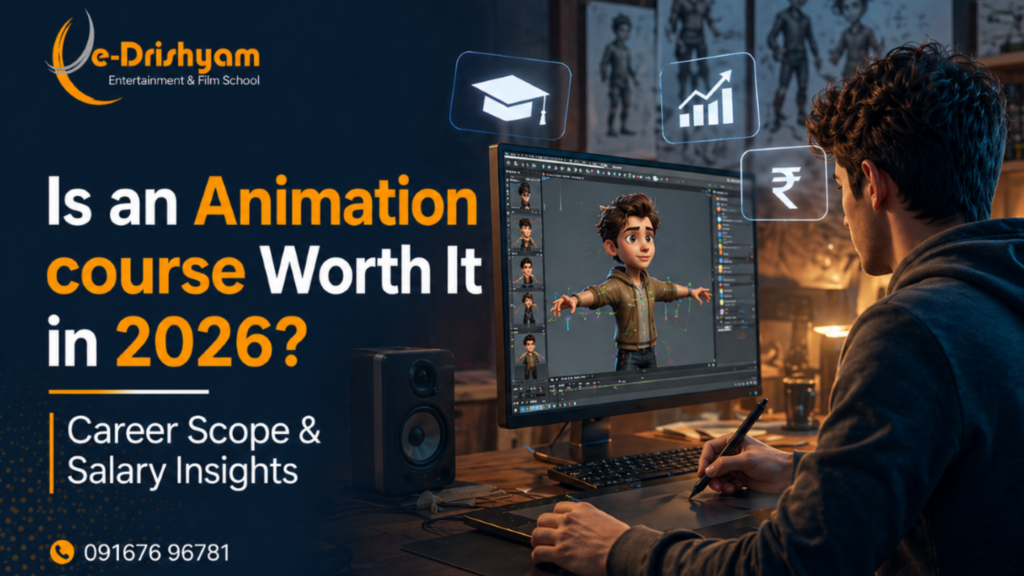
Is an Animation course Worth It in 2026? Career Scope & Salary Insights
Every year, we meet students who’ve been told some version of the same thing: “Animation is a hobby, not a career.” Meanwhile, those same students go on to be placed at Technicolour, Viacom18, and T-Series, drawing salaries that would make most engineering graduates rethink their choices. The animation industry in India isn’t a gamble. It’s a growing sector, and 2026 might just be the best time to enter it. Let’s be straight about something. The question of whether an animation course is “worth it” isn’t really about the course; it’s about what you do with the skills it gives you. And to answer that honestly, you need a clear picture of where the industry is headed, what the salaries actually look like, and what separates the animators who thrive from those who stall. Here’s the full picture. The Animation Industry in India: Bigger Than Most People Think India’s media and entertainment sector has been growing at a remarkable pace, and animation is right at its centre. OTT platforms like Netflix, Disney+ Hotstar, and Amazon Prime are pumping out content at a rate that studios can barely keep up with. Gaming, ed-tech, advertising, and architectural visualisation have all begun to demand animation talent that wasn’t needed a decade ago. What most people don’t realise is that Mumbai and the surrounding region, including Thane, sit at the epicentre of this boom. Some of India’s largest animation and VFX studios operate within commuting distance of where you’re reading this. The demand for trained professionals is real, consistent, and expanding. Industry Snapshot 2026 India’s animation and VFX industry is projected to cross ₹1,50,000 crore by 2027. Global studios are increasingly outsourcing animation work to India, making trained Indian animators more valuable than ever , not just locally, but internationally. What’s also changing is the type of work. It’s no longer just feature films and TV serials. The scope of animation now spans game cinematics, motion graphics for digital ads, product animations for e-commerce, explainer videos for startups, and virtual production sets for Bollywood. The more places animation shows up, the more jobs it creates. Where Can Animation Skills Actually Take You? One of the biggest misconceptions about pursuing the best animation courses in Thane, or anywhere in India, is that you’re locking yourself into one job title. That couldn’t be further from the truth. Animation training builds a versatile skill set that opens doors across multiple industries. Film & OTT Feature films, web series, animated shows, the demand for character animators and VFX compositors here is enormous. Gaming India’s gaming industry is exploding. 3D modellers, riggers, and game animators are among the most sought-after profiles right now. Digital Advertising Brands need motion graphics, product renders, and animated social content, non-stop. This is one of the fastest-paying entry paths. Architecture & Real Estate 3D walkthroughs and property visualisations are a booming freelance niche for animation graduates. Ed-Tech & Corporate Every major e-learning platform needs animated explainers. Steady work is great for those who prefer structure over chaos. Freelance & Entrepreneurship Build a client base, work remotely, set your own rates. Plenty of our alumni do exactly this and earn well doing it. Here’s where things get interesting: most of these paths don’t require you to relocate to a metro. Studios are hiring remotely. Freelancing is viable from day one. And being trained at one of the better animation institutes in Thane means you’re already in one of India’s primary media markets. What Does an Animation Career Actually Pay in 2026? Let’s talk numbers, because this is where a lot of the doubt lives. Parents worry. Students second-guess themselves. The assumption is that creative careers don’t pay well in India. In animation, that assumption is outdated. In our experience mentoring students at e-Drishyam, salary outcomes are closely tied to three things: the quality of your portfolio, the tools you know, and the depth of your specialisation. Here’s a realistic breakdown: Experience Level Role Examples Salary Range (India) Entry Junior Animator, Rigging Assistant, Motion Designer ₹2.5 – ₹4.5 LPA Mid-Level Character Animator, 3D Generalist, VFX Compositor ₹5 – ₹9 LPA Senior Lead Animator, CG Supervisor, Art Director ₹12 – ₹25+ LPA Specialist/Freelance VFX Artist, Motion Graphics Expert, Studio Owner ₹20 LPA+ / Project-based What the table doesn’t capture is the trajectory. Entry-level salaries in animation grow faster than in many traditional fields because skills in this industry are tangible and demonstrable. A strong showreel speaks louder than a degree certificate. Animators who keep learning, adding tools like Cinema 4D, Blender, or Unreal Engine to their arsenal, consistently command higher packages, often within 2–3 years of starting out. “The animators who grow fastest aren’t the ones who waited for the perfect opportunity; they were the ones who built the perfect portfolio while they waited.” Why the Right Animation Institute in Thane Changes Everything There are many places to learn animation. YouTube tutorials, online courses, and self-study all of it has value. But here’s what experience has taught us: what separates a professional animator from a hobbyist isn’t just knowledge, it’s structured exposure, feedback, and industry connections. Choosing the right animation course in Thane matters because of what happens around the curriculum, not just inside it. At e-Drishyam, students don’t just learn Maya or After Effects; they work on real briefs, get feedback from working professionals, attend industry seminars, and graduate with a portfolio that’s already been stress-tested. What to Look for When Choosing an Animation Course If you’re evaluating your options, here’s what actually matters beyond the brochure: Industry-standard software coverage. The market doesn’t care which tools you prefer; it cares which tools it uses. Look for courses that teach Cinema 4D, Blender, Maya, After Effects, and Premiere Pro. These aren’t optional extras; they’re the baseline. Faculty with real production experience. Theory taught by theorists will only take you so far. Instructors who have worked on actual productions bring pipeline knowledge, real-world shortcuts, and genuine critique, the kind you won’t find in any textbook. Portfolio-focused training. Your