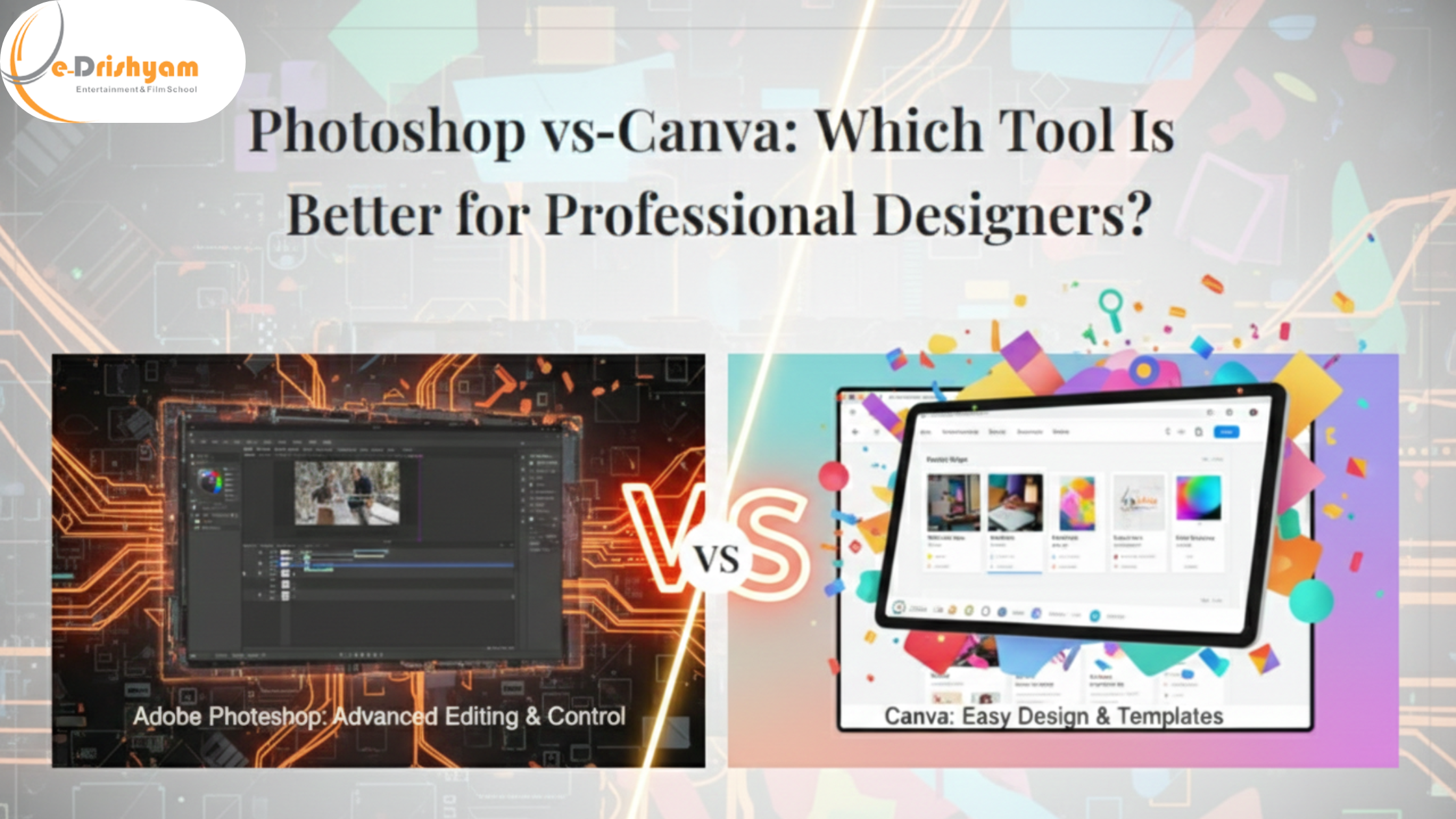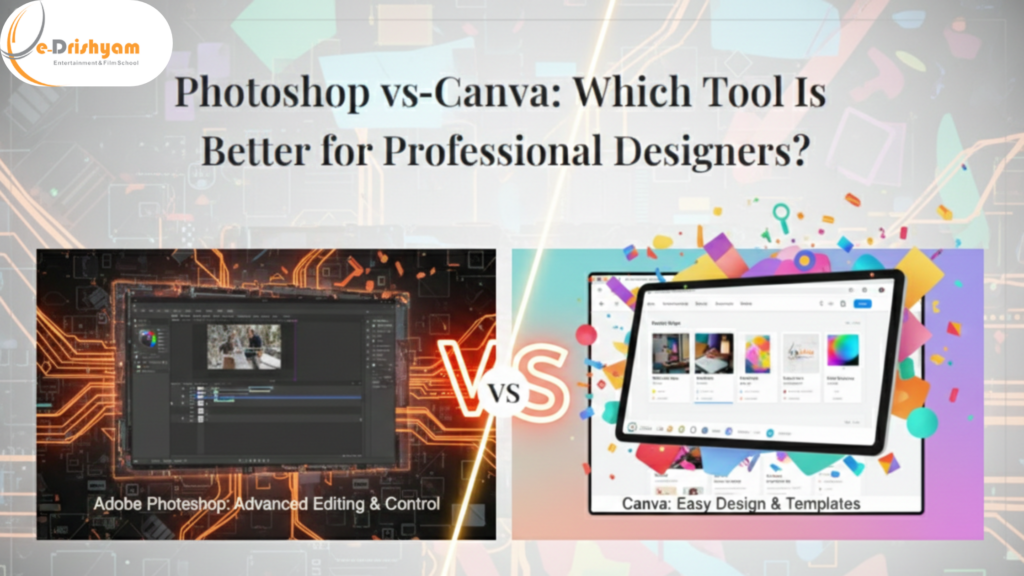
In today’s fast-paced digital world, design is everywhere on websites, social media, advertisements, apps, presentations, and even emails. With visuals playing such a powerful role in communication, designers need tools that are not only creative but also efficient, flexible, and professional. Two names dominate most design conversations today: Photoshop and Canva.
The debate around Photoshop vs Canva has become especially relevant as more businesses, freelancers, and creators enter the design space. Canva has made design accessible to everyone, while Photoshop has long been considered the gold standard for professional designers.
But the real question is: Which tool is better for professional designers?
And more importantly, which one should you invest your time and skills in?
At e-Drishyam, we believe the right tool depends on your goals, workflow, and creative depth. This comprehensive guide breaks down Photoshop vs. Canva from a professional designer’s perspective, covering features, flexibility, control, learning curve, industry usage, and real-world applications.
Understanding the Two Giants: Photoshop and Canva
Before comparing Photoshop and Canva, it’s important to understand what each tool is designed to do.
What Is Photoshop?
Adobe Photoshop is professional-grade image-editing and design software used across industries, including advertising, photography, filmmaking, UI/UX design, publishing, and digital art. It offers pixel-level control and unmatched creative flexibility.
At e-Drishyam, Photoshop is taught as a core design skill because it underpins professional visual design thinking.
What Is Canva?
Canva is a cloud-based graphic design platform built for simplicity and speed. It allows users to create designs using pre-made templates with drag-and-drop tools. Canva is widely used by non-designers, marketers, small business owners, and social media managers.
At e-Drishyam, Canva is often introduced as a productivity tool but not as a replacement for professional design software.
Photoshop vs Canva: Core Purpose Comparison
| Aspect | Photoshop | Canva |
| Primary Purpose | Professional image editing & design | Quick, template-based design |
| Target Users | Designers, photographers, agencies | Beginners, marketers, entrepreneurs |
| Creative Control | Extremely high | Limited |
| Learning Curve | Steep | Very easy |
This foundational difference shapes everything else in the Photoshop vs Canva debate.
Creative Freedom and Design Control
Photoshop: Complete Creative Authority
Photoshop gives designers full control over:
- Layers and layer masks
- Advanced selections
- Brushes and textures
- Smart objects
- Color channels
- Blend modes
- Typography control
- Non-destructive editing
Professional designers trained at e-Drishyam rely on Photoshop because it allows them to create from scratch not just customise templates.
Canva: Fast but Restricted
Canva offers:
- Ready-made templates
- Drag-and-drop elements
- Basic image adjustments
- Pre-set fonts and layouts
While Canva is fast, it limits how deeply you can customise a design. You’re designing within a system, not building one.
Verdict: In Photoshop vs Canva, Photoshop clearly wins for creative freedom.
Professional Design Quality and Output
Photoshop for Industry-Level Work
Photoshop supports:
- High-resolution print designs
- CMYK colour mode for printing
- Advanced export settings
- Precise typography alignment
- Professional retouching
This makes it ideal for branding, advertising, packaging, posters, and photo manipulation. At e-Drishyam, students learn how Photoshop aligns with real-world production standards.
Canva for Digital-Only Use
Canva works best for:
- Social media posts
- Presentations
- Simple marketing graphics
- Internal business designs
However, Canva lacks precision for professional print or complex brand systems.
Verdict: Photoshop is the professional standard; Canva is convenience-focused.
Learning Curve: Skill vs Speed
Photoshop Learning Curve
Photoshop requires:
- Understanding layers and masks
- Knowledge of design principles
- Practice with tools and shortcuts
- Time and patience
At e-Drishyam, Photoshop is taught step by step through practical projects, ensuring learners don’t just know the tools but also the design logic behind them.
Canva Learning Curve
Canva can be learned in:
- A few hours
- Minimal design knowledge
- No technical background
This ease is Canva’s biggest strength but also its biggest limitation for professional designers.
Verdict: Canva is easier; Photoshop builds long-term professional skill.
Branding and Customisation
Photoshop: Built for Brand Identity
Professional branding demands:
- Custom layouts
- Unique typography
- Controlled spacing and grids
- Color accuracy
Photoshop allows designers to create unique brand assets that don’t look “template-based.” This is why e-Drishyam emphasises Photoshop for brand design training.
Canva: Template Dependency
Even with customisation, many Canva designs look similar. This can hurt brand originality and consistency especially for premium brands.
Verdict: Photoshop wins for original branding and visual identity.
Photoshop vs Canva for Different Design Use Cases
Social Media Design
Canva: Fast, easy, beginner-friendly
Photoshop: More polished, custom visuals
Photo Editing and Retouching
Canva: Basic filters only
Photoshop: Industry-grade retouching
Advertising and Marketing Campaigns
Canva: Good for quick internal visuals
Photoshop: Essential for professional campaigns
UI/UX and Digital Design
Canva: Not suitable
Photoshop: Industry-relevant
At e-Drishyam, learners are guided on choosing the right tool based on project needs not convenience alone.
Collaboration and Workflow
Canva Collaboration
Canva allows:
- Real-time collaboration
- Cloud-based editing
- Easy sharing
This makes it useful for teams without design backgrounds.
Photoshop Collaboration
Photoshop integrates with:
- Adobe Creative Cloud
- Professional design pipelines
- Version-controlled workflows
Professional studios and agencies prefer Photoshop-based workflows something emphasised at e-Drishyam.
Cost and Accessibility
Photoshop Pricing
Photoshop operates on a subscription model, which reflects its professional capabilities. For serious designers, this is an investment in skill and career growth.
Canva Pricing
Canva offers a free version and a low-cost Pro plan, making it accessible for beginners and small teams.
Verdict: Canva is budget-friendly; Photoshop is value-driven for professionals.
Career Impact: What Do Employers Prefer?
This is where Photoshop vs Canva becomes very clear.
Most employers look for:
- Photoshop proficiency
- Advanced design skills
- Creative problem-solving
- Industry-standard workflows
Canva skills are rarely listed as core requirements for professional design roles.
At e-Drishyam, Photoshop training is aligned with real hiring expectations not shortcuts.
Canva Is a Tool. Photoshop Is a Skill.
One of the most important distinctions taught at e-Drishyam is this:
- Canva helps you create designs
- Photoshop helps you become a designer
Canva depends on templates. Photoshop depends on your creativity.
Can Professional Designers Use Both?
Absolutely.
Many professionals use:
- Photoshop for core design work
- Canva for quick client previews or social posts
- The mistake is thinking that Canva can replace Photoshop. It can’t.
At e-Drishyam, students are taught Photoshop first, then Canva as a supplementary productivity tool.
Final Verdict: Photoshop vs Canva for Professional Designers
Let’s settle the debate clearly.
Choose Photoshop If You:
- Want a professional design career
- Work on branding, advertising, or print
- Need full creative control
- Aim to stand out in the industry
Choose Canva If You:
- Need quick designs with minimal effort
- Are not a professional designer
- Focus on speed over originality
For professional designers, Photoshop is not optional it’s essential.
How e-Drishyam Helps You Choose and Master the Right Tool
At e-Drishyam, design education goes beyond software buttons. Learners gain:
- Strong design fundamentals
- Hands-on Photoshop training
- Real-world projects
- Career-focused guidance
Whether you’re starting out or upgrading your skills, e-Drishyam ensures you don’t just use tools you master them.
Conclusion
The Photoshop vs Canva debate isn’t about which tool is “better” universally it’s about which tool is better for professional designers. And the answer is clear.
Canva is fast.
Photoshop is powerful.
If your goal is long-term growth, creative authority, and industry relevance, Photoshop remains unmatched.
With the right guidance from e-Drishyam, mastering Photoshop becomes not just achievable but transformative.